Taxably Connect · For solo and small tax firms
Your client folders. Ready for review.
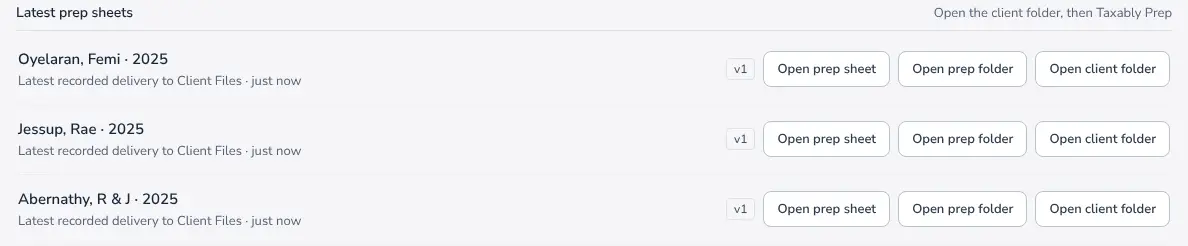
Connect the folders your firm already uses. Taxably Connect reads the documents and builds a prep sheet on your Windows computer, with the source pages and questions ready for your review.
- No manual uploads
- Your existing folders
- You review the results
Demo: 30 minutes on Google Meet, no card needed. A payment method is required to start using Connect.
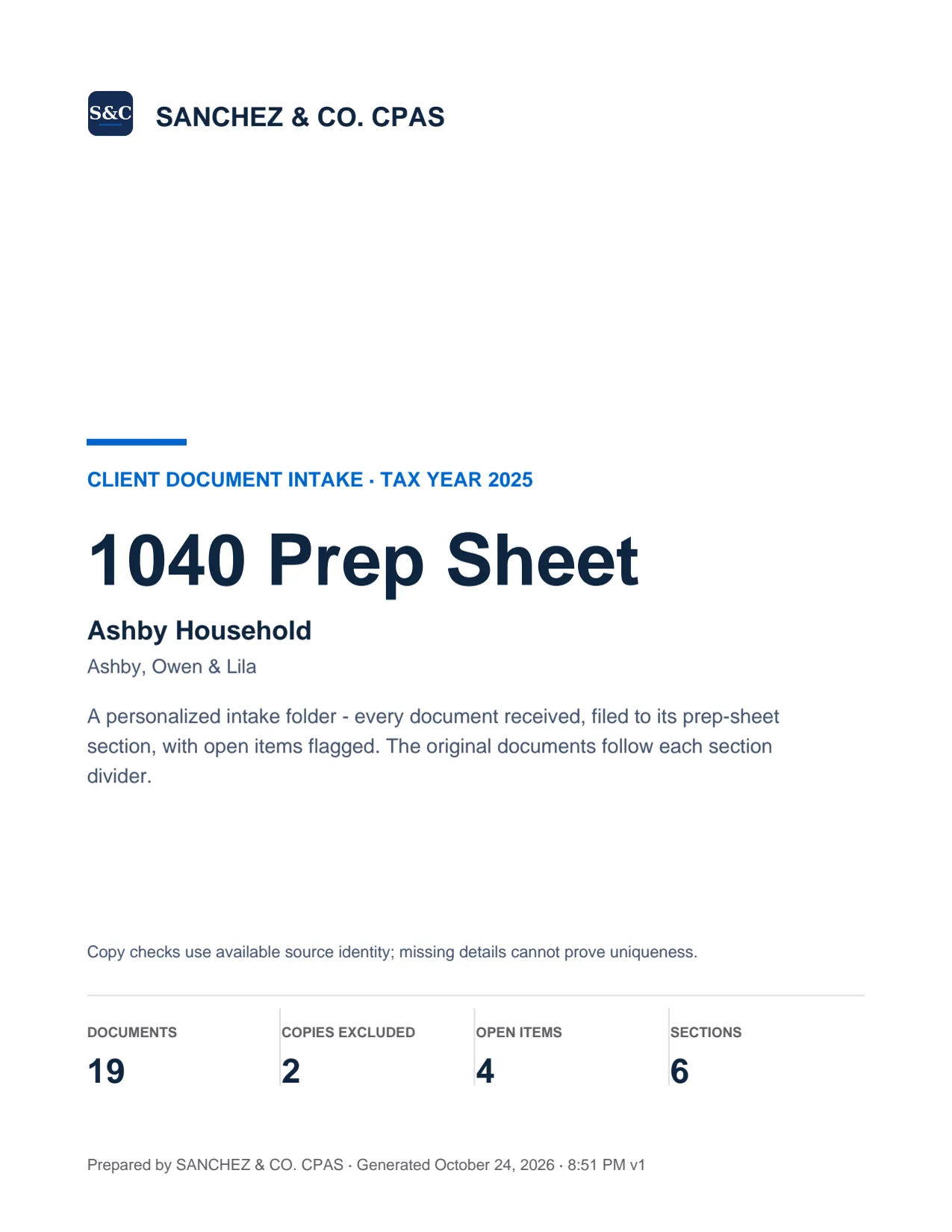
Plugs into your TaxDome or Canopy client folders. The finished prep sheet lands beside whatever tax software you prep in.
How it works
Three steps to a prep sheet. Follow a preparer's whole day, and every page of the PDF, in the step-by-step tour.
- 1Step 1
Install Taxably Connect on one Windows PC.
Download the signed installer from your account, then link the computer that can access your client files.- A signed installer, downloaded from your account
- Installs for your own Windows account, with no administrator rights
- Link the computer to your firm in Taxably Connect's Settings
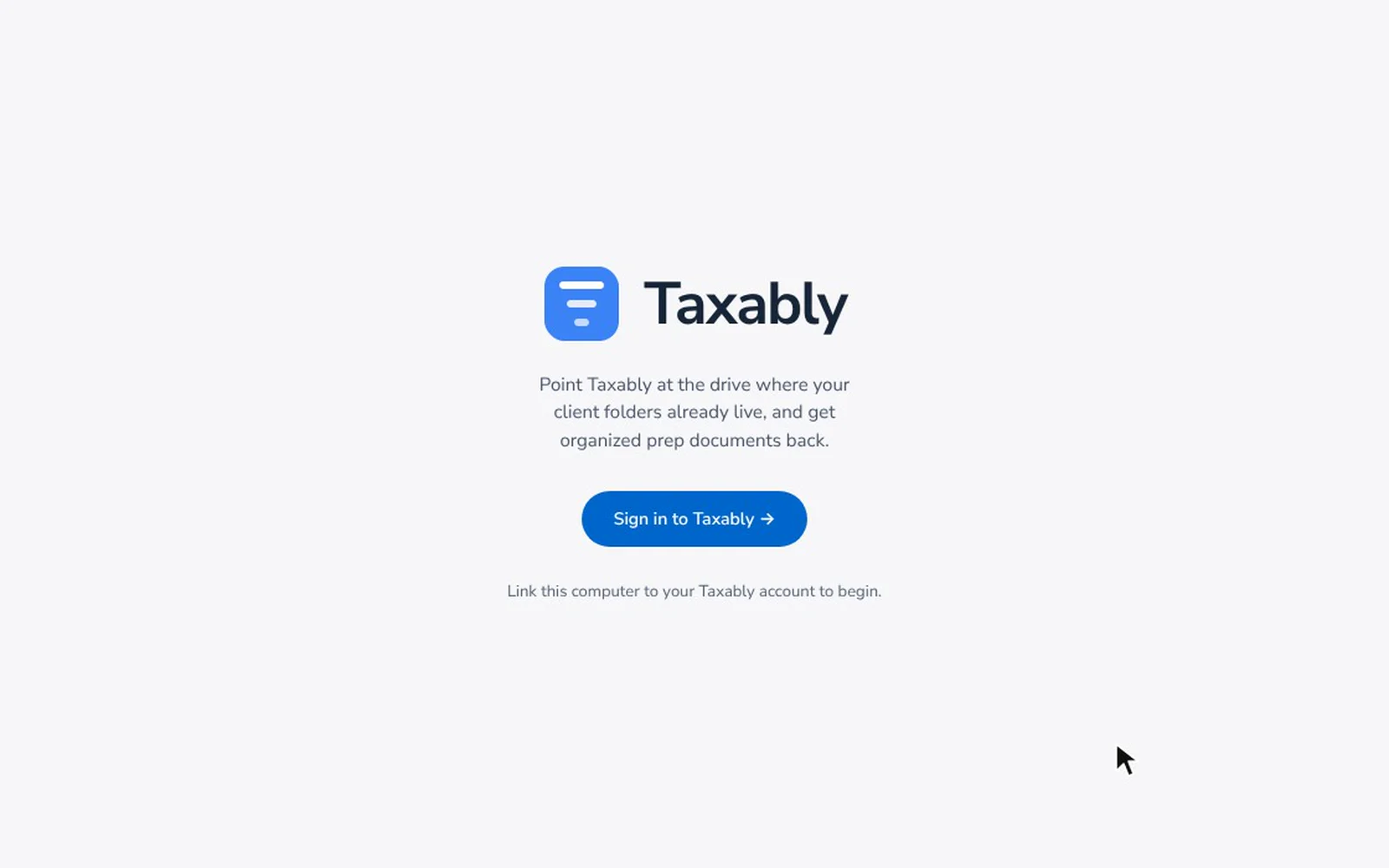
Fictional firm and clients. Screens from Taxably Connect 3.3.9. - 2Step 2
Connect your client folders.
Works with SuiteFiles, Canopy, TaxDome, SmartVault, Google Drive, OneDrive, Box, Dropbox, and any location on your PC where your clients live.- Choose the folder that holds your client folders
- Each folder inside it becomes a client
- Listing your clients reads no documents
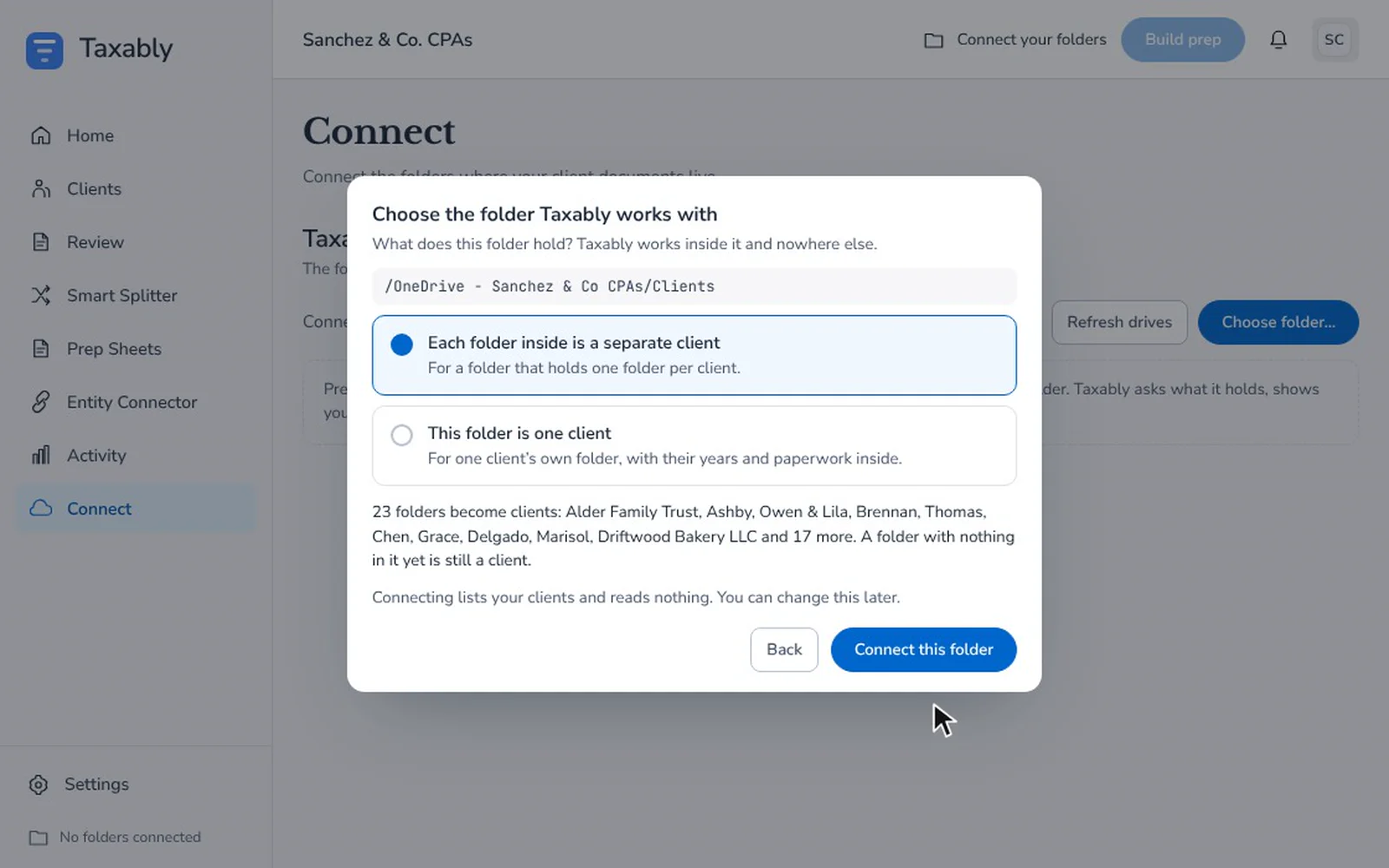
Fictional firm and clients. Screens from Taxably Connect 3.3.9. - 3Step 3
Build, check and review.
Choose clients, review the build confirmation, then open each completed PDF. Check source pages and resolve questions before preparing the return.- Build all of your clients, or tick the ones you want
- Each question names its document and says why it is asking
- One prep sheet per client, saved in that client's own folder
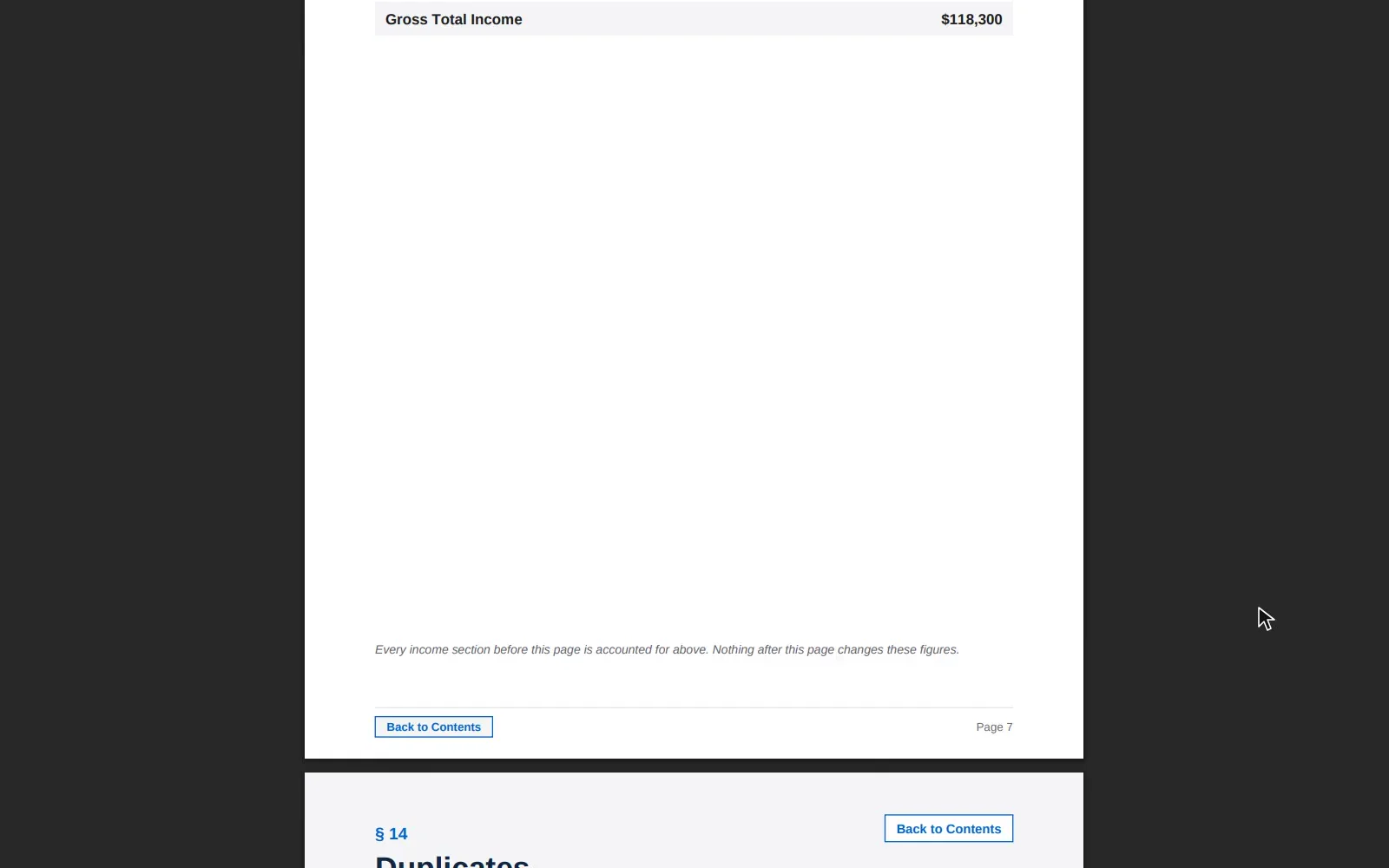
Fictional firm and clients. Screens from Taxably Connect 3.3.9.
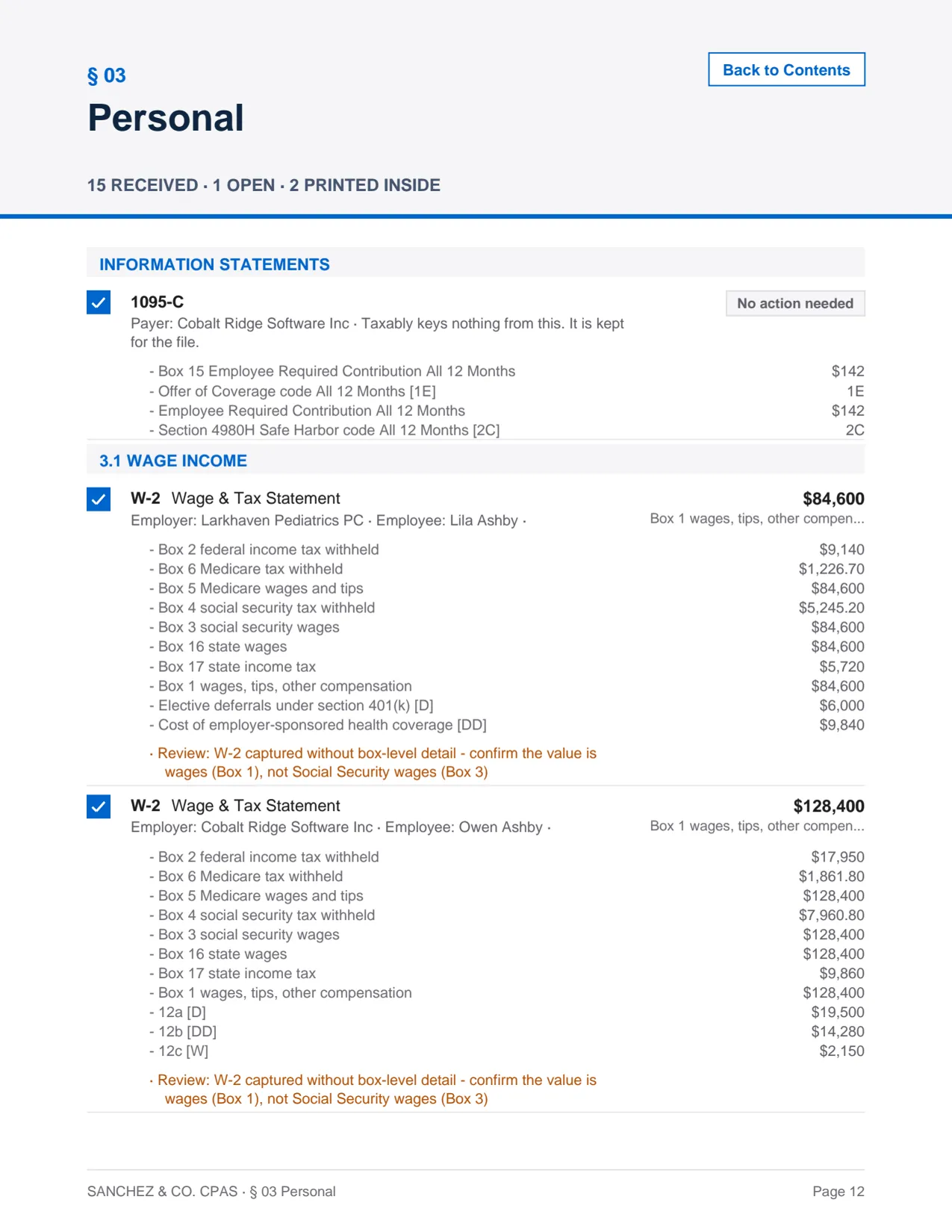
One sheet, every document, every section.
Connect builds a single bookmarked PDF per client per year. Every page is indexed, every form is filed to its section, every duplicate is flagged.
Your client data stays where it should.
Originals stay where they live.
Connect reads the folders your firm already uses. Your working records and delivered prep sheets stay on your computer. Optional file changes require your choice.
Understand what leaves your computer.
Document content is sent to a reading provider. Bulk reading can use temporary United States storage. The Trust Center explains processing, retention and who is involved.
Review the safeguards for yourself.
Read the published security overview, privacy policy and service agreements. Each describes the protection in place and the responsibilities your firm keeps.
Pricing.
Then $10 per return, plus $5 a month for the firm.
The $5 monthly firm fee starts the day you add your card. The $10 per return starts after your first 10 clients.
- No page charges, however long the documents run
- No seats and no plan tiers
- Billed monthly for usage, cancel anytime
See it on your own documents.
Point Taxably Connect at one client folder. The first prep sheet usually answers the question better than this page can.

%22%3E%3Cpath%20d%3D%22M19.9905%2010.1871C19.9905%209.36773%2019.9224%208.7698%2019.7752%208.14972H10.1992V11.848H15.8201C15.7068%2012.7671%2015.0948%2014.1512%2013.7349%2015.0813L13.7159%2015.2051L16.7436%2017.497L16.9534%2017.5174C18.8798%2015.779%2019.9905%2013.2211%2019.9905%2010.1871Z%22%20fill%3D%22%234285F4%22%2F%3E%3Cpath%20d%3D%22M10.1992%2019.9313C12.953%2019.9313%2015.2648%2019.0454%2016.9534%2017.5174L13.7349%2015.0813C12.8737%2015.6682%2011.7177%2016.0779%2010.1992%2016.0779C7.50211%2016.0779%205.21297%2014.3395%204.39695%2011.9366L4.27734%2011.9466L1.12906%2014.3273L1.08789%2014.4391C2.76508%2017.6945%206.21016%2019.9313%2010.1992%2019.9313Z%22%20fill%3D%22%2334A853%22%2F%3E%3Cpath%20d%3D%22M4.39695%2011.9366C4.18164%2011.3166%204.05703%2010.6521%204.05703%209.96565C4.05703%209.27908%204.18164%208.61473%204.38562%207.99466L4.37992%207.8626L1.19219%205.44366L1.08789%205.49214C0.396641%206.84305%200%208.36008%200%209.96565C0%2011.5712%200.396641%2013.0882%201.08789%2014.4391L4.39695%2011.9366Z%22%20fill%3D%22%23FBBC05%22%2F%3E%3Cpath%20d%3D%22M10.1992%203.85336C12.1144%203.85336%2013.4062%204.66168%2014.1429%205.33718L17.0213%202.59107C15.2535%200.985496%2012.953%200%2010.1992%200C6.21016%200%202.76508%202.23672%201.08789%205.49214L4.38563%207.99466C5.21297%205.59183%207.50211%203.85336%2010.1992%203.85336Z%22%20fill%3D%22%23EB4335%22%2F%3E%3C%2Fg%3E%3Cdefs%3E%3CclipPath%20id%3D%22clip0_98_45%22%3E%3Crect%20fill%3D%22white%22%20height%3D%2220%22%20width%3D%2220%22%2F%3E%3C%2FclipPath%3E%3C%2Fdefs%3E%3C%2Fsvg%3E)


