Member of a professional association? Exclusive member pricing is available through participating associations.

Taxably Connect · For solo and small tax firms

Your client folders. Ready for review.

Connect the folders your firm already uses. Taxably Connect reads the documents and builds a prep sheet on your Windows computer, with the source pages and questions ready for your review.

  • No manual uploads
  • Your existing folders
  • You review the results

A short demo on Google Meet. We set Taxably up with you, and you'll have full access from there.
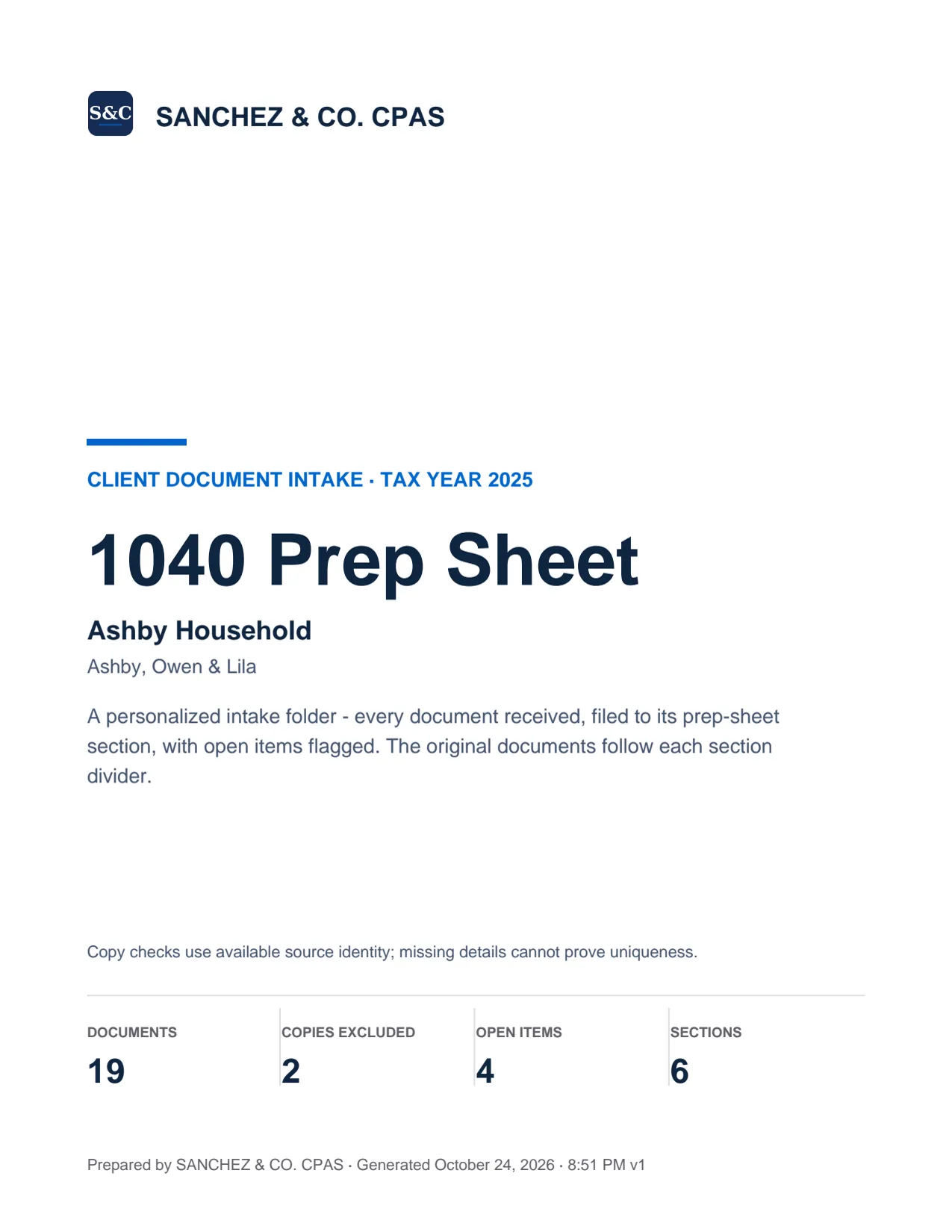
Cover page of a sample Taxably prep sheet: 1040 Prep Sheet for a synthetic demo client (not a real person), tax year 2025, with 19 documents, 4 open items, and 6 sections printed at the bottom.

Trusted by small and mid-sized tax firms

  • Kari Mitchell, P.C.
  • Osiris CPA, PLLC
  • Red Alder Accountants, PC
  • A client firm
  • and more

Plugs into your TaxDome or Canopy client folders. The finished prep sheet lands beside whatever tax software you prep in.

TaxDomeCanopyOneDrive for BusinessGoogle Drive DesktopDropboxNetwork sharesLacerteDrakeUltraTaxProConnectProSeriesATX

How it works

Three steps to a prep sheet. Follow a preparer's whole day, and every page of the PDF, in the step-by-step tour.

  1. 1Step 1

    Install Taxably Connect on one Windows PC.

    Download the signed installer from your account, then link the computer that can access your client files.
    • A signed installer, downloaded from your account
    • Installs for your own Windows account, with no administrator rights
    • Link the computer to your firm in Taxably Connect's Settings
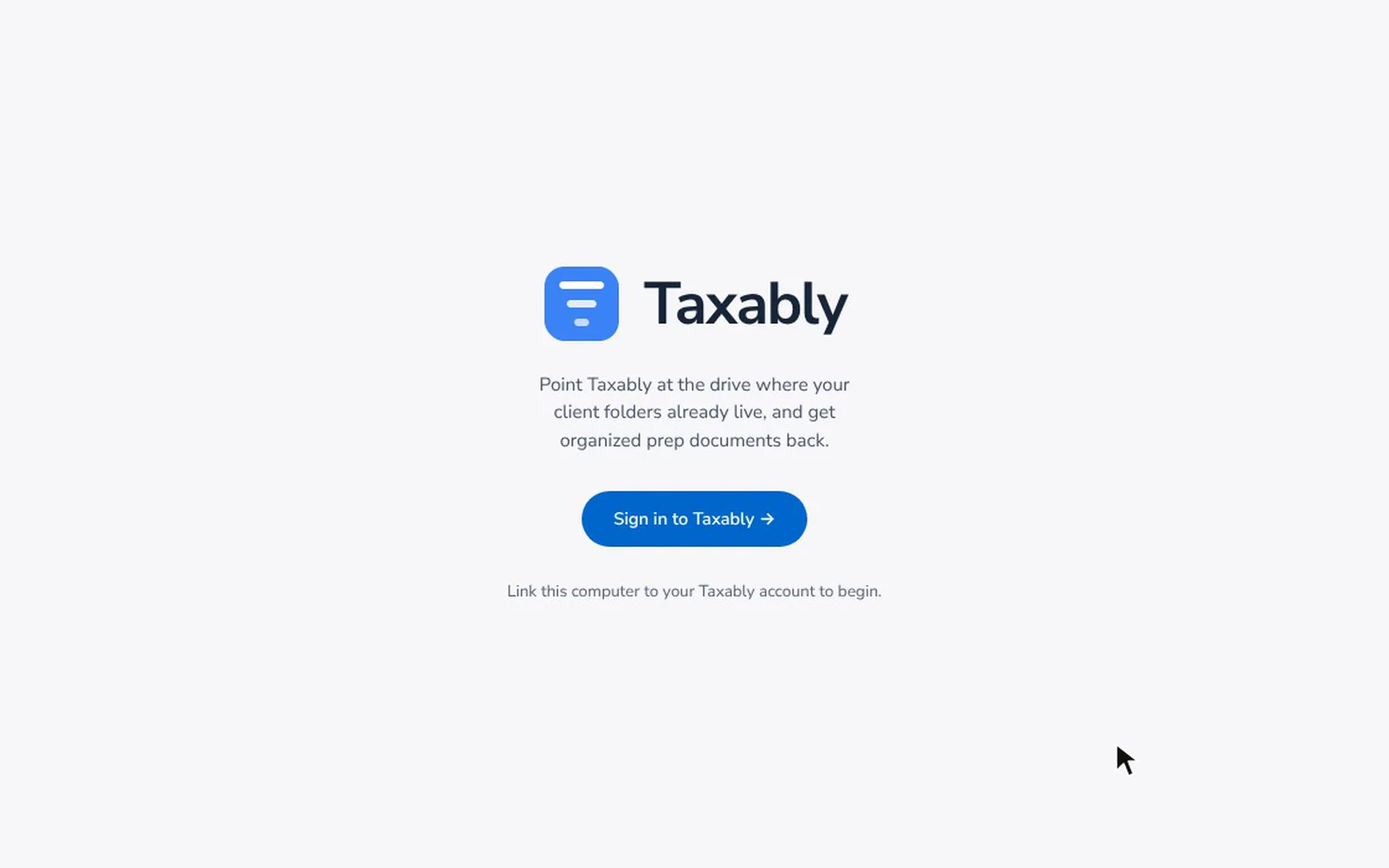
    The first screen of Taxably Connect on a new computer: clicking Sign in to Taxably, which continues in the browser to link the computer to the firm's account.
    Fictional firm and clients. Screens from Taxably Connect 3.3.9.
  2. 2Step 2

    Connect your client folders.

    Works with SuiteFiles, Canopy, TaxDome, SmartVault, Google Drive, OneDrive, Box, Dropbox, and any location on your PC where your clients live.
    • Choose the folder that holds your client folders
    • Each folder inside it becomes a client
    • Listing your clients reads no documents
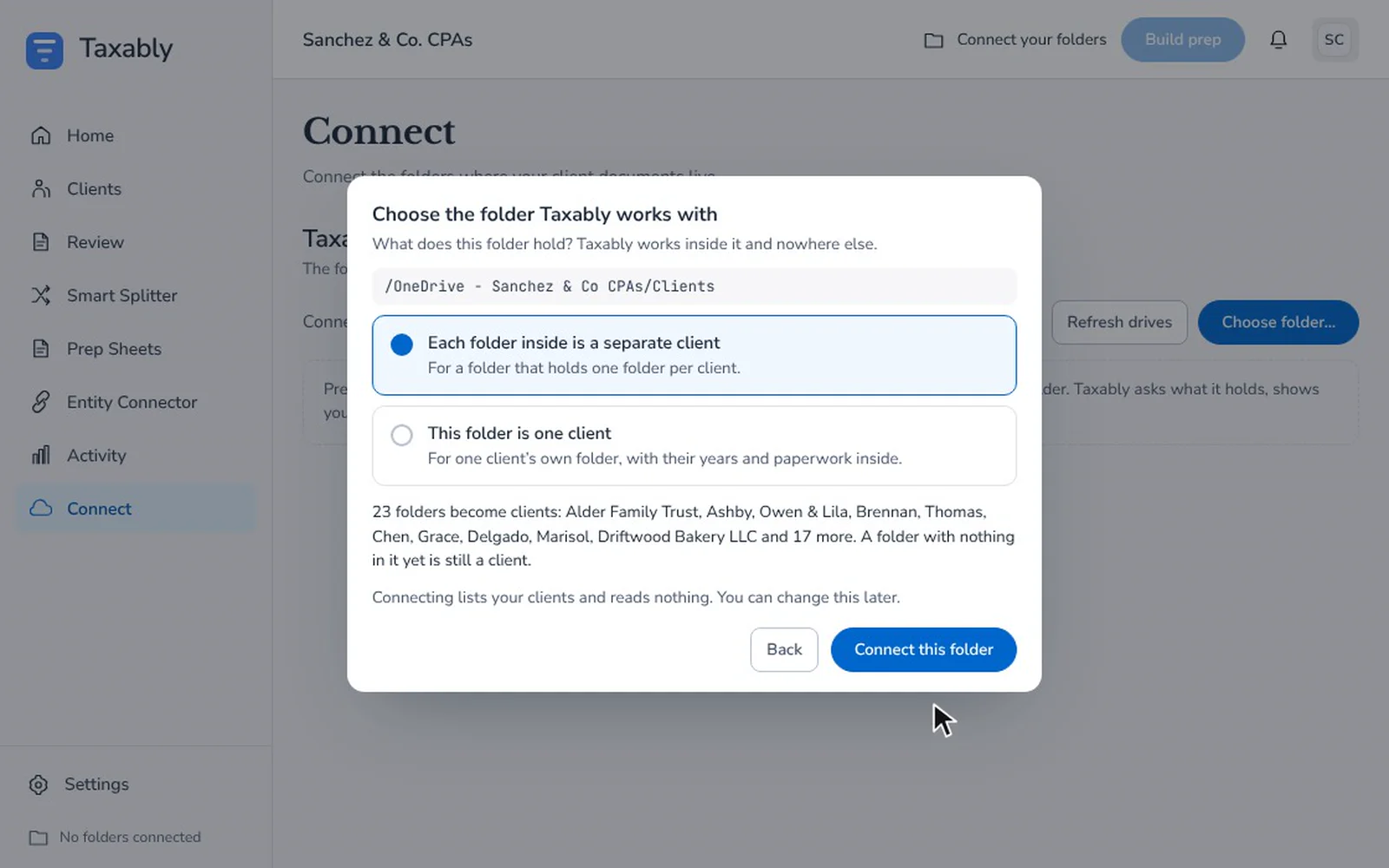
    Connecting the firm's client folder in Taxably Connect: choosing the Clients folder, saying each folder inside is a separate client, and the 23 clients it will list.
    Fictional firm and clients. Screens from Taxably Connect 3.3.9.
  3. 3Step 3

    Build, check and review.

    Choose clients, review the build confirmation, then open each completed PDF. Check source pages and resolve questions before preparing the return.
    • Build all of your clients, or tick the ones you want
    • Each question names its document and says why it is asking
    • One prep sheet per client, saved in that client's own folder
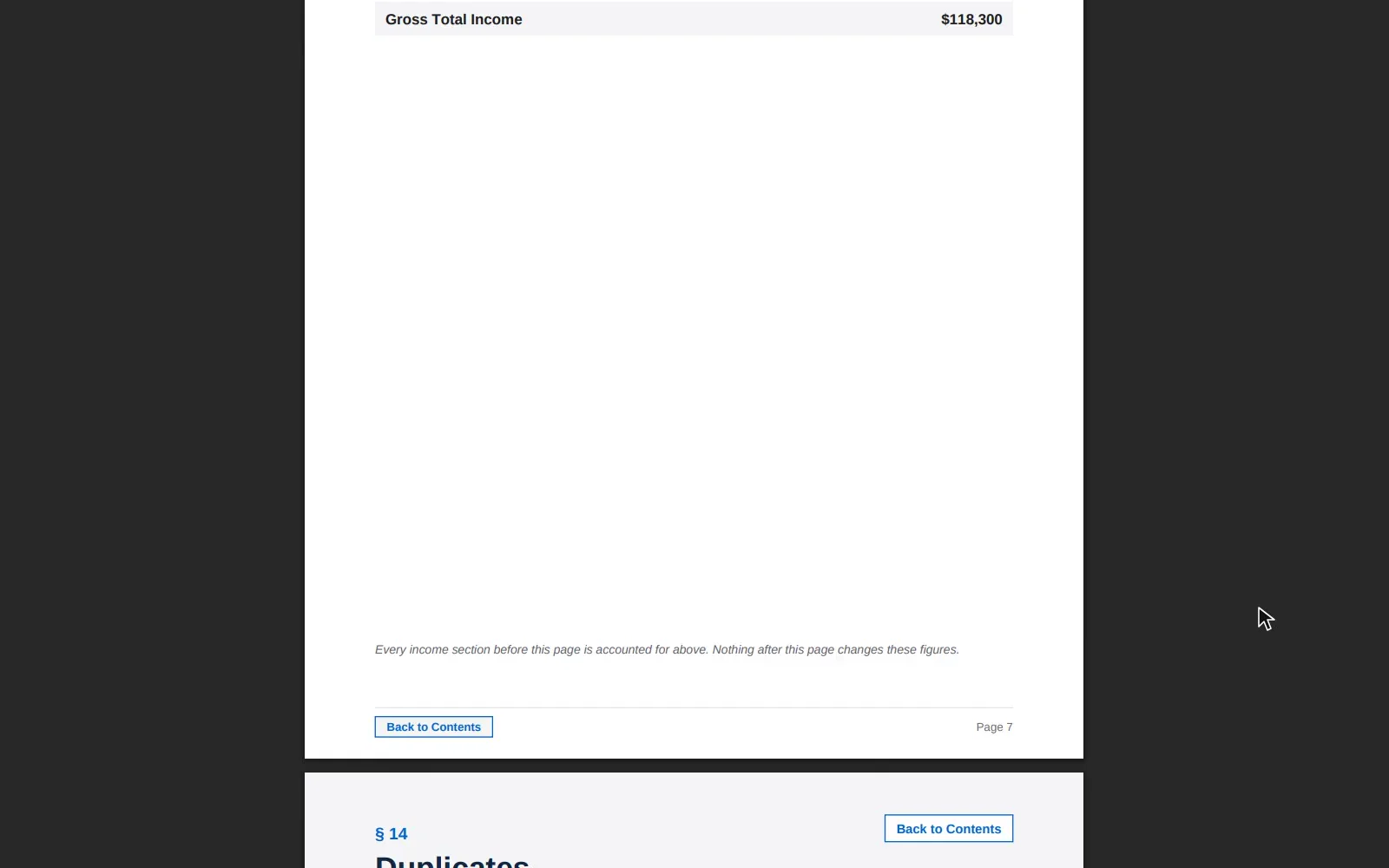
    Answering a filing status question for a fictional client on Taxably Connect's Review screen, the question clearing, then the client's delivered prep sheet opening on its cover and on the Review Needed page that records the answer.
    Fictional firm and clients. Screens from Taxably Connect 3.3.9.
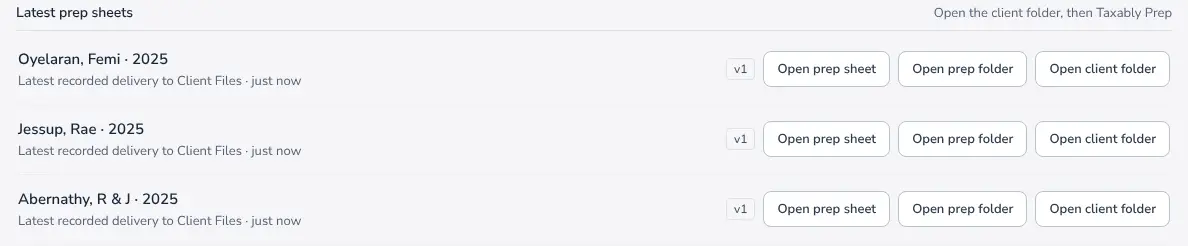
The Prep Sheets screen in Taxably Connect listing three finished prep sheets for 2025, one per client, each with buttons to open the sheet, its prep folder and the client's folder.
Finished sheets, one per client per year, written into that client's folder and listed here. Fictional firm and clients.

One sheet, every document, every section.

Connect builds a single bookmarked PDF per client per year. Every page is indexed, every form is filed to its section, every duplicate is flagged.
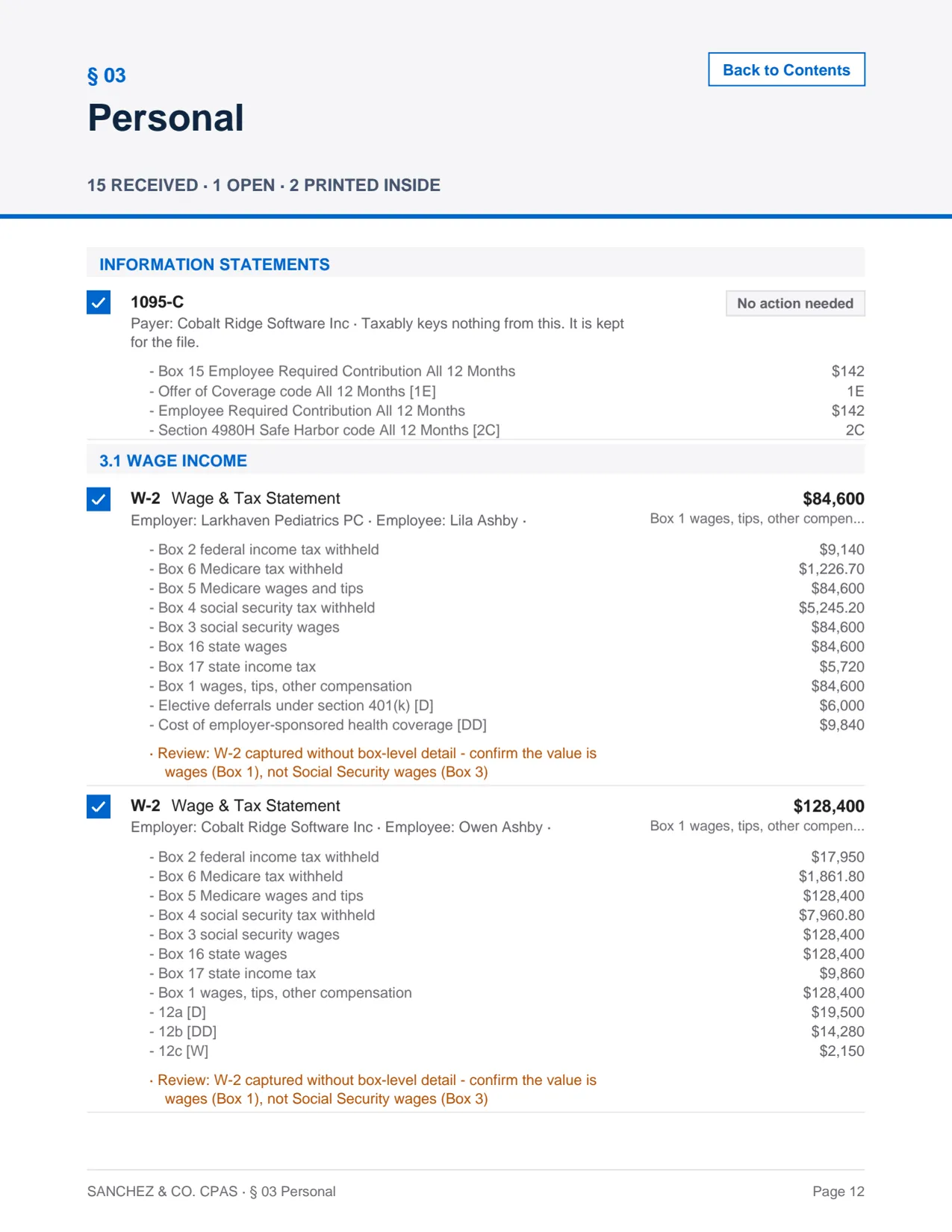
Section divider in a Taxably prep sheet: § 03 Personal, 15 documents received and 1 open, with a 1095-C and two W-2s listed with every box read from each.

Your client data stays where it should.

Originals stay where they live.

Connect reads the folders your firm already uses. Your working records and delivered prep sheets stay on your computer. Optional file changes require your choice.

Understand what leaves your computer.

Document content is sent to a reading provider. Bulk reading can use temporary United States storage. The Trust Center explains processing, retention and who is involved.

Review the safeguards for yourself.

Read the published security overview, privacy policy and service agreements. Each describes the protection in place and the responsibilities your firm keeps.

Pricing.

First 5 clients free.

Then $10 a return and $5 a month. No card to start.

  • No page charges, however long the documents run
  • No seats and no plan tiers
  • Billed monthly for usage, cancel anytime
Book a demo

See it on a folder of sample clients.

A short call: we point Taxably at a folder of invented clients and you watch it build the prep sheet. We set Taxably up with you, and you have full access from there.

Taxably

Sign in to Taxably

Manage your firm, the computers linked to it, and billing.

Signed in on this browser

(not on a shared computer)

(not on a shared computer)

Don't have an account? Sign up

Stuck on an error?

Get started

Book your demo.

Your firm is set up after a short demo. Book it at taxably.ai/demo, and you'll have full access from there.

Use the exact email address you booked your demo with, or the one your invitation was sent to.

Book your demo

Already have an account? Sign in →

Taxably

Create your Taxably account.

Use the exact email address you booked your demo with, or the one your invitation was sent to.Your association code is applied when you add a card.Your Founders Edition approval is waiting. Create your account with the email address the approval was sent to.Your invitation to Taxably is waiting. Create your account with the email address the invitation was sent to.

(not on a shared computer)

(not on a shared computer)

Already have an account? Sign in

Stuck on an error?

Taxably

Sign in to Taxably

For Taxably staff.

Signed in on this browser

(not on a shared computer)

(not on a shared computer)

Don't have an account? Sign up

Stuck on an error?

Taxably

Sign in to Taxably

Sign in with your approved investor account.

Signed in on this browser

(not on a shared computer)

(not on a shared computer)

Don't have an account? Sign up

Stuck on an error?

Taxably

Create your investor account.

You'll land in the investor portal once your account is set up.

(not on a shared computer)

(not on a shared computer)

Already have an account? Sign in

Stuck on an error?